Dark atmospheric poster for Suno music generation

Suno, from the first prompt to the last stem

I opened suno.com to see how song generation, model tiers, and Suno Studio fit together — not to replace their docs, but to leave a readable map before you spend credits.

Capability showcase

Music, audio, and text — what I kept locally

Confirmed domains from the official product: generated music, stem workflows, and prompt or lyric text. Cards below are local stills and honest snippets — no filler video or code samples.

Product surfaces

Three doors on the same music stack

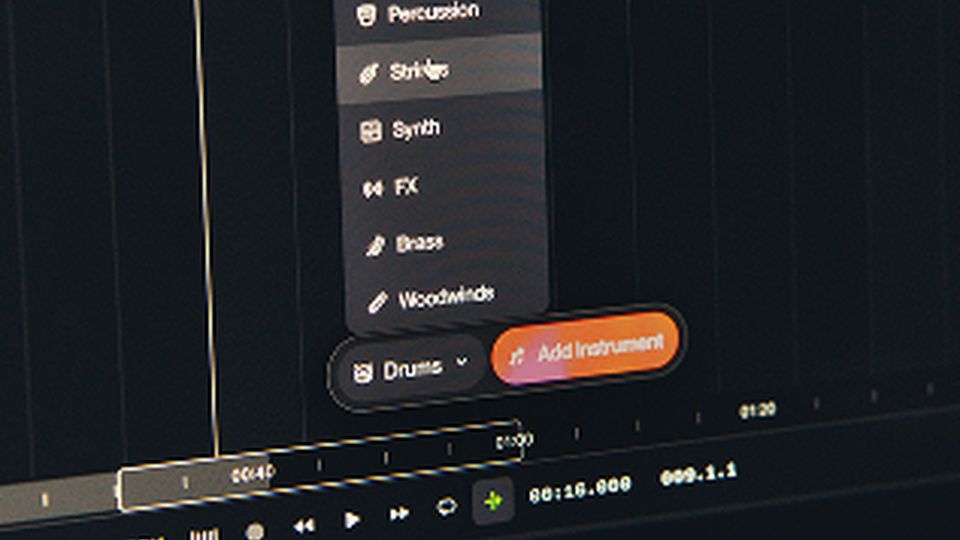
Song generation, Suno Studio, and remix or editing tools are how I split the mental model so a quick TikTok hook does not get confused with a stem export for a producer.

About

What is Suno?

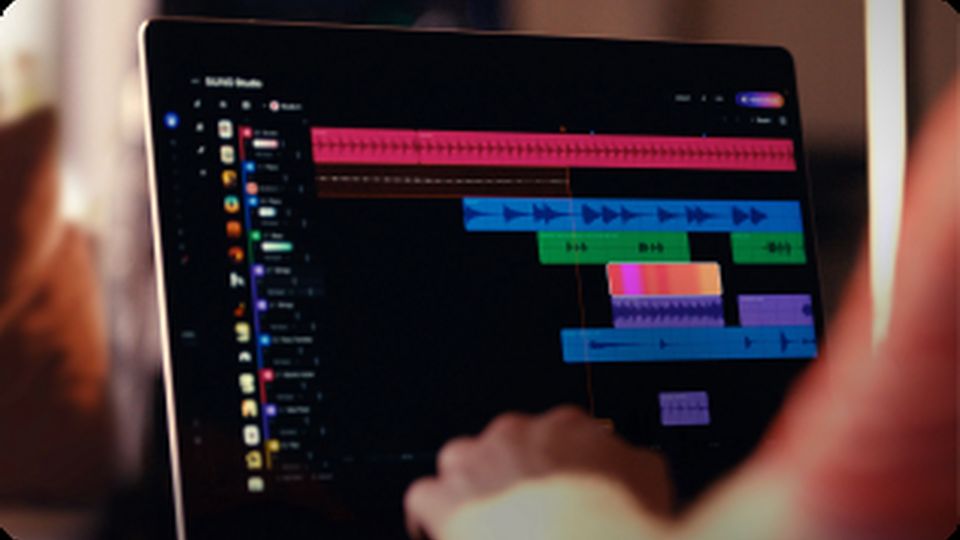
Suno is an AI music company focused on turning natural-language prompts — and sometimes audio seeds — into full songs with vocals, arrangement, and style. On the pages I opened, the product spans a create flow for new music, model tiers from v4 through v5.5 on the pricing table, and Suno Studio for timeline editing after the first take lands.

Day to day I treat it as a draft machine for hooks and beds: describe the genre and mood, pick a model tier that matches the plan, generate a few takes, then move promising ones into Studio for section edits or stem extraction on Premier and Pro. Remix and extend tools mean you are not always starting from silence when a client sends a reference loop.

Commercial use and download rights follow the plan tier on the official site — I still read those terms before handing a track to a brand channel. Magic Song Description on the official UI helps when you have a vibe but not lyrics yet; the lyric editor helps when the melody is right and one line is wrong.

For the product itself, go to the official Suno website (suno.com). This site stays an editorial map with local next-step buttons.


Ready to hear a take?

Open the local next step, or jump into the model catalog if you already know whether you need v5.5 quality or a fast v4 sketch.

Benefits

Why I keep Suno in the rotation

Full songs from text

Genre, mood, and structure in a prompt — vocals included when the brief needs them, instrumental when it does not.

Model ladder you can reason about

v5.5 at the top of the official table, v4 for lighter sketches — names are stable enough to put in a production note.

Studio after generate

Timeline edits and stem splits beat regenerating entire tracks when only the bridge is wrong.

Remix without a blank DAW

Extend, crop, and replace sections on existing Suno output or compatible uploads per official remix docs.

Creator-friendly first run

Plain-language prompts and Magic Description lower the floor for people who do not read notation.

Producer handoff path

Stem export on higher plans supports a second pass in Logic, Ableton, or Pro Tools without re-singing the demo.

Who it fits

Who I send here

Short-form creators

Hooks and beds for YouTube, TikTok, and podcasts when stock libraries feel samey.

First-time songmakers

People who can describe a feeling but do not yet work in a DAW every day.

Songwriters and producers

Demo drafts, lyric swaps, and stem exports before the expensive session.

Beat-forward editors

Instrumental prompts for underscore when a vocal would fight the voiceover.

How to start

A short path I recommend

Write the brief in words

Genre, mood, vocal gender if it matters, and structure notes — or Magic Description if lyrics can wait.

Pick the model tier

v5.5 for best quality on paid plans; v4.5 family for variety; v4 when you are sketching fast.

Edit in Studio, confirm on official

Trim sections, extract stems if your plan allows, then verify download rights on suno.com before client delivery.

FAQ

Questions I get after demos

Rating

4.8 out of 5

91,456 reviews

Page rating. Not the brand's official score.

Five reader impressions for this overview, not official product reviews.

Tessa W.

5 / 5

I pitched a rainy lo-fi hook on v5.5 and kept the second chorus. The lyric card in Studio let me swap one line without regenerating the whole track.

Diego M.

4 / 5

Stem export on Premier saved a podcast bed I would have rebuilt in Logic. I still read the commercial terms on suno.com before client work.

Priya K.

5 / 5

First-time creator path is real — my sister described a chorus in plain English and got something she could hum. I trimmed the intro in Studio.

Owen L.

4 / 5

v4.5-all surprises me more than v4.5 when I want a weird bridge. I keep both in the model picker depending on the brief.

Hana R.

5 / 5

Instrumental mode plus a tight genre tag beat three stock libraries for a product reel. Magic Description helped when I did not have lyrics yet.

Continue when you are ready

Use the local next step here, then move to the official product when you want an account. The catalog stays on this site if you need model pages first.

Next step

This is an independent overview page. Primary buttons here stay on this site so you can decide before leaving.

To use the product, visit the official Suno website.